

kas - A Tool for Setting Up Yocto Projects Quickly

I am a Senior Embedded Software Engineer with over 10 years experience programming and maintaining electronic devices currently powering consumer electronics and industrial monitoring. I enjoy developing software and diagnosing problematic embedded systems. Using my skills I have effectively delivered full life cycle support for products. I currently specialize in systems used within IoT industry, automotive, consumer electronics, cloud computing.
kas is a tool developed by Siemens that aims to simplify and speed up the process of setting up Yocto projects. It achieves this by:
Cloning and checking out Yocto layers specified in a YAML configuration file
Generating default
bblayers.confandlocal.conffilesRunning builds inside a Docker container to isolate the host system
Initiating BitBake builds based on the configuration
The main advantage of kas is that it allows you to define all the necessary configurations for a Yocto project in a single YAML file. This includes:
repos:
  poky:
    url: "https://git.yoctoproject.org/git/poky"
    refspec: "kirkstone"
    layers:
      meta:
      meta-poky:
kas then takes care of cloning the layers, checking out the correct revisions, and generating the bblayers.conf file.
You can run kas using:
kas build your_config.yaml
The checkout command clones and checks out the layers, and the build command runs a BitBake build.
You can also define a custom layer that you can use to tailor to your needs:
repos:
  meta-custom:
    path: sources/meta-custom
In this case you do not specify an url to fetch it from.
Overview
Here is an example of a kas manifest from meta-raspberrypi:
header:
  version: 8

machine: raspberrypi4
distro: poky
target:
  - core-image-base

repos:
  meta-raspberry:

  poky:
    url: https://git.yoctoproject.org/git/poky
    path: layers/poky
    refspec: master
    layers:
      meta:
      meta-poky:
      meta-yocto-bsp:

  meta-openembedded:
    url: http://git.openembedded.org/meta-openembedded
    path: layers/meta-openembedded
    refspec: master
    layers:
      meta-oe:
      meta-python:
      meta-networking:
      meta-perl:

bblayers_conf_header:
  standard: |
    POKY_BBLAYERS_CONF_VERSION = "2"
    BBPATH = "${TOPDIR}"
    BBFILES ?= ""
local_conf_header:
  debug-tweaks: |
    EXTRA_IMAGE_FEATURES = "debug-tweaks"
This is the usual workflow that happens when you call:
kas build config_file.yml
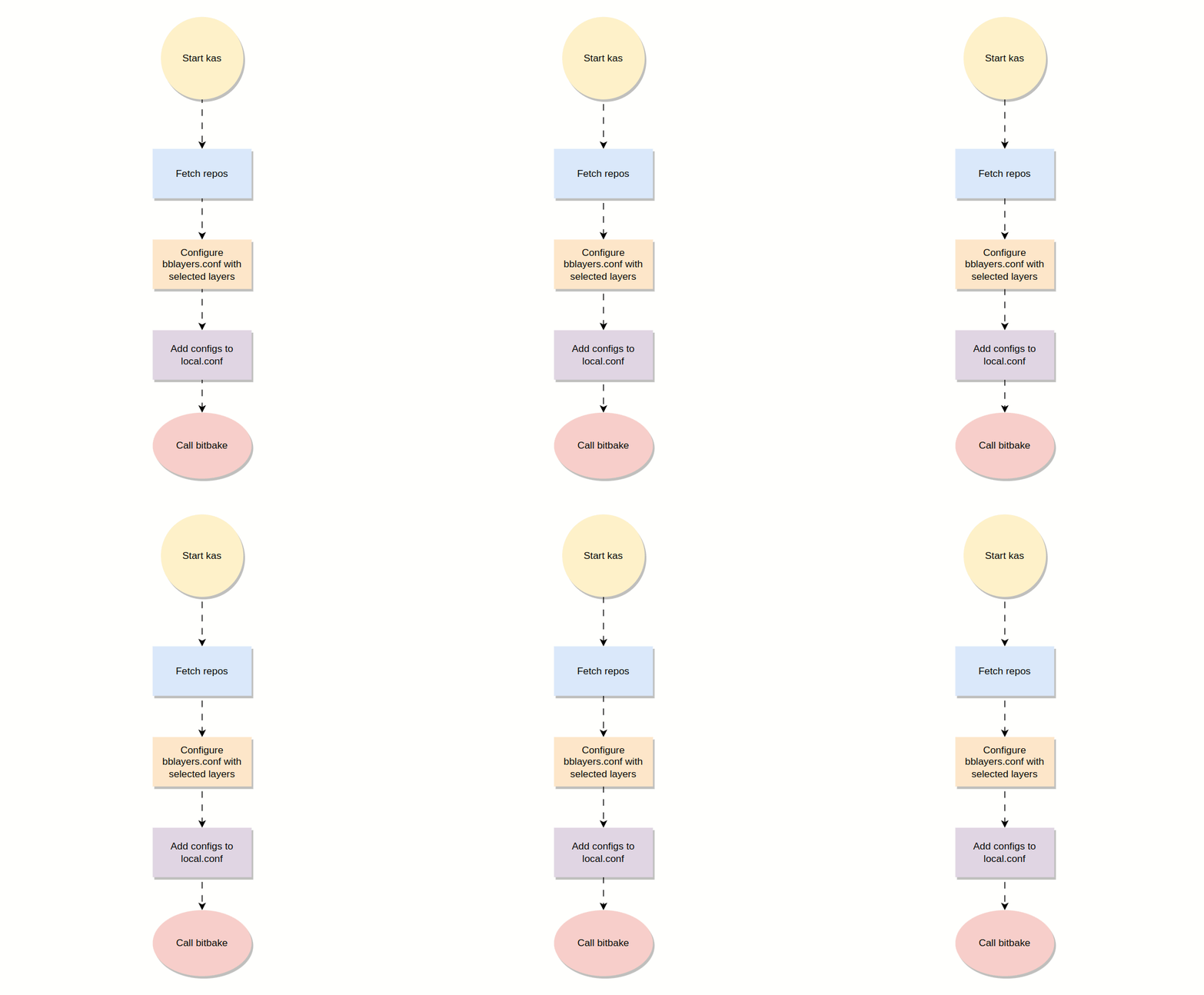
Before this tool existed you would need to create shell scripts to do the configuration of local.conf where you would enable features depending on conditions that would need to be parsed with the use of sed or awk.
Inside the local.conf file you can easily point out the pieces that you have added with the configuration fragments that you inserted in your config_file.yml. For example we have a tag here called debug-tweaks let's check local.conf for the match:
# base
CONF_VERSION = "2"
PACKAGE_CLASSES = "package_ipk"
INIT_MANAGER = "systemd"

# debug-tweaks
EXTRA_IMAGE_FEATURES = " debug-tweaks"
In summary, kas allows you to:
Define all Yocto project configurations in a single YAML file
Quickly setup new Yocto projects by running a single command
Avoid manual tasks like cloning layers and generating
bblayers.conf
However, kas does not currently validate the integrity of fetched repositories, so you need to ensure you are pulling from trusted sources.
Be sure to check the project documentation for more details regarding how to setup things. -> Project Docs
References
https://github.com/siemens/kas
https://blog.3mdeb.com/2019/2019-02-07-kas/
https://hub.mender.io/t/using-kas-to-reproduce-your-yocto-builds/6020
